Mobile app + Bluetooth
V3 connects to a mobile app through Bluetooth.
 edubraille
RESEARCH & IMPACT
Since 2015, EduBraille has been developed to help blind learners read digital materials. The latest version connects teachers and learners through the web so they can learn together from different locations.
DEVICE DEVELOPMENT
From a Braille reader prototype to a mobile app connection and a web platform for learning together remotely.
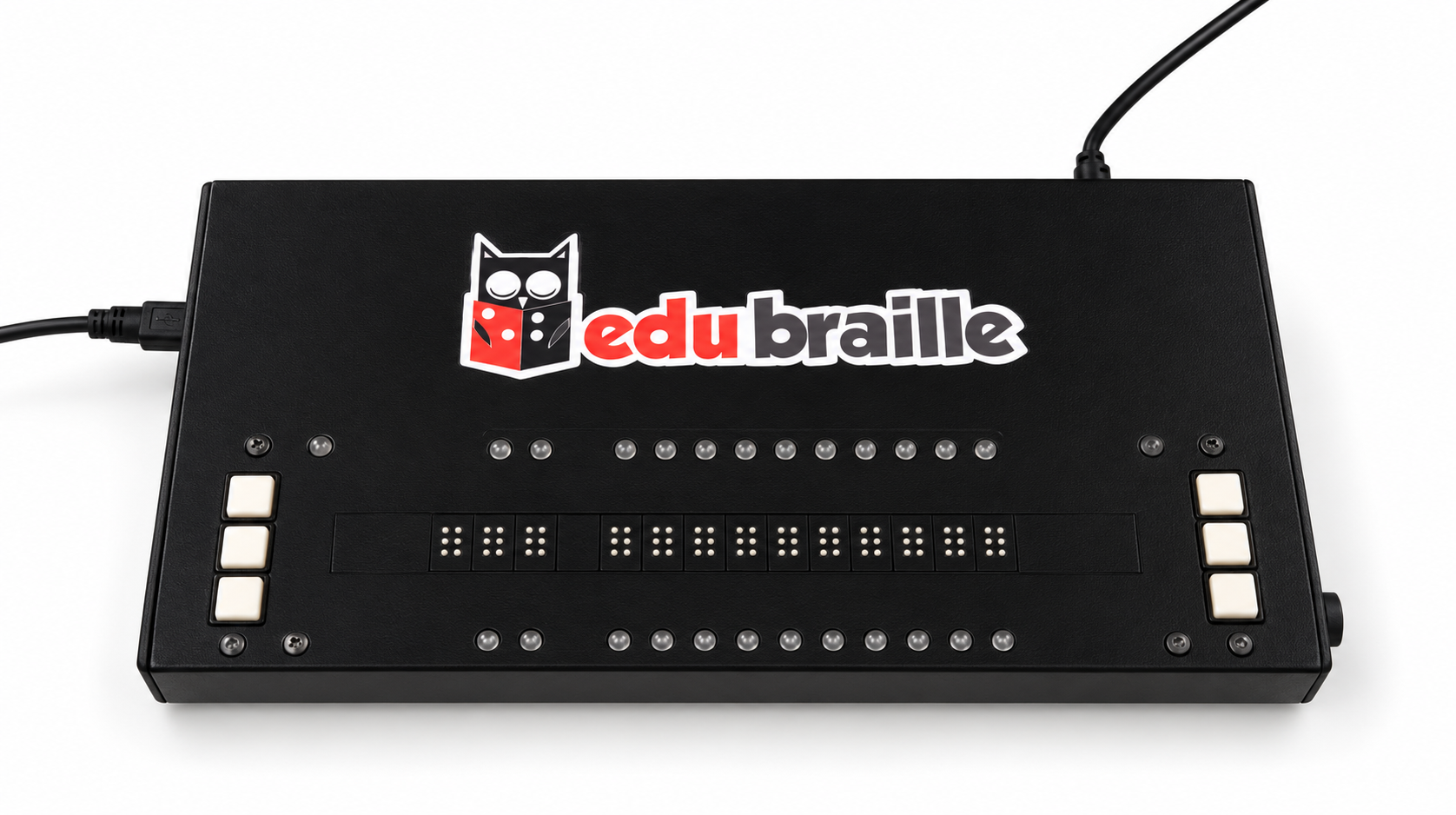
The first EduBraille version was developed to display text as Braille that can be read through touch.
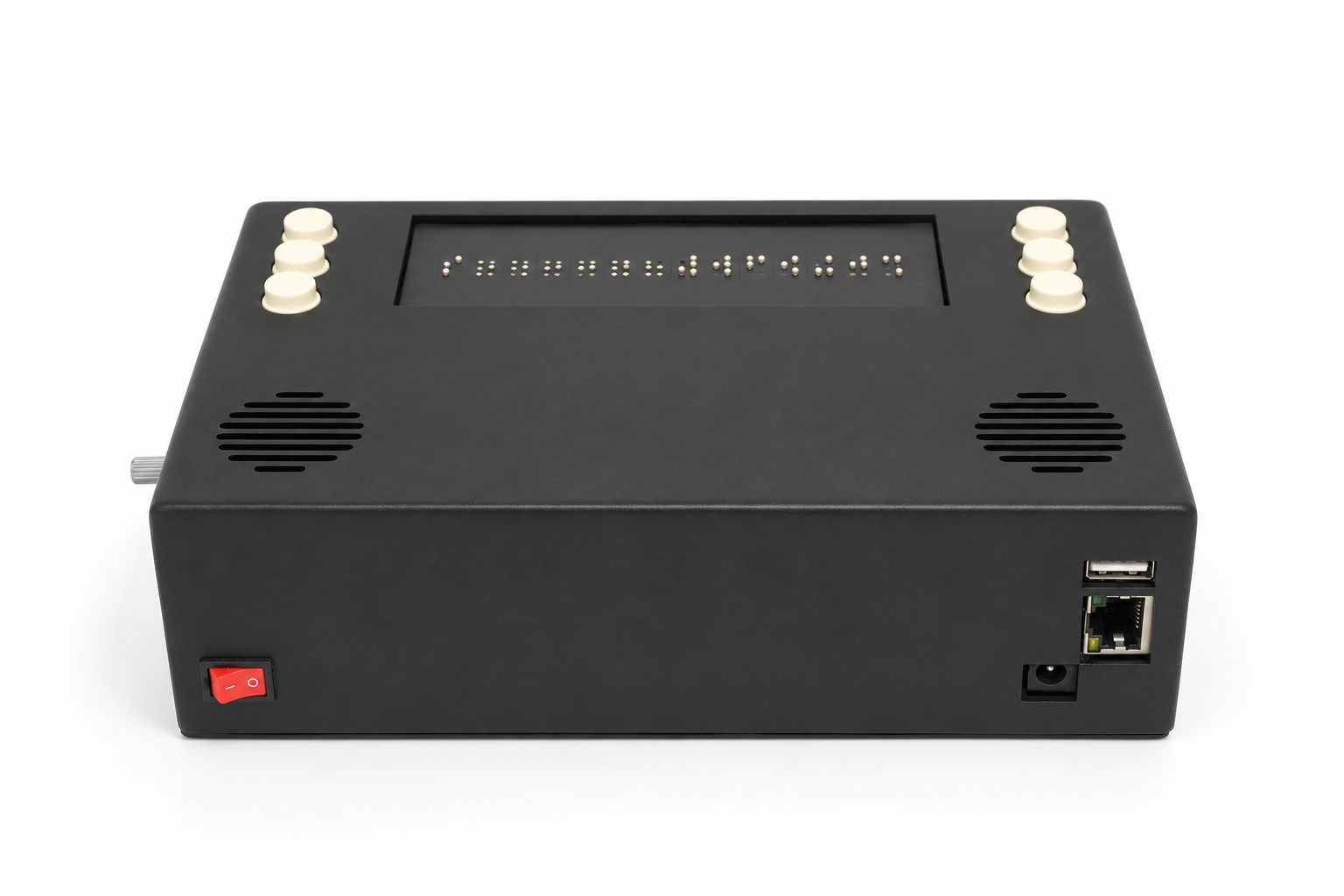
The second version brings together a Braille reading area, two speakers, and control buttons in one device.
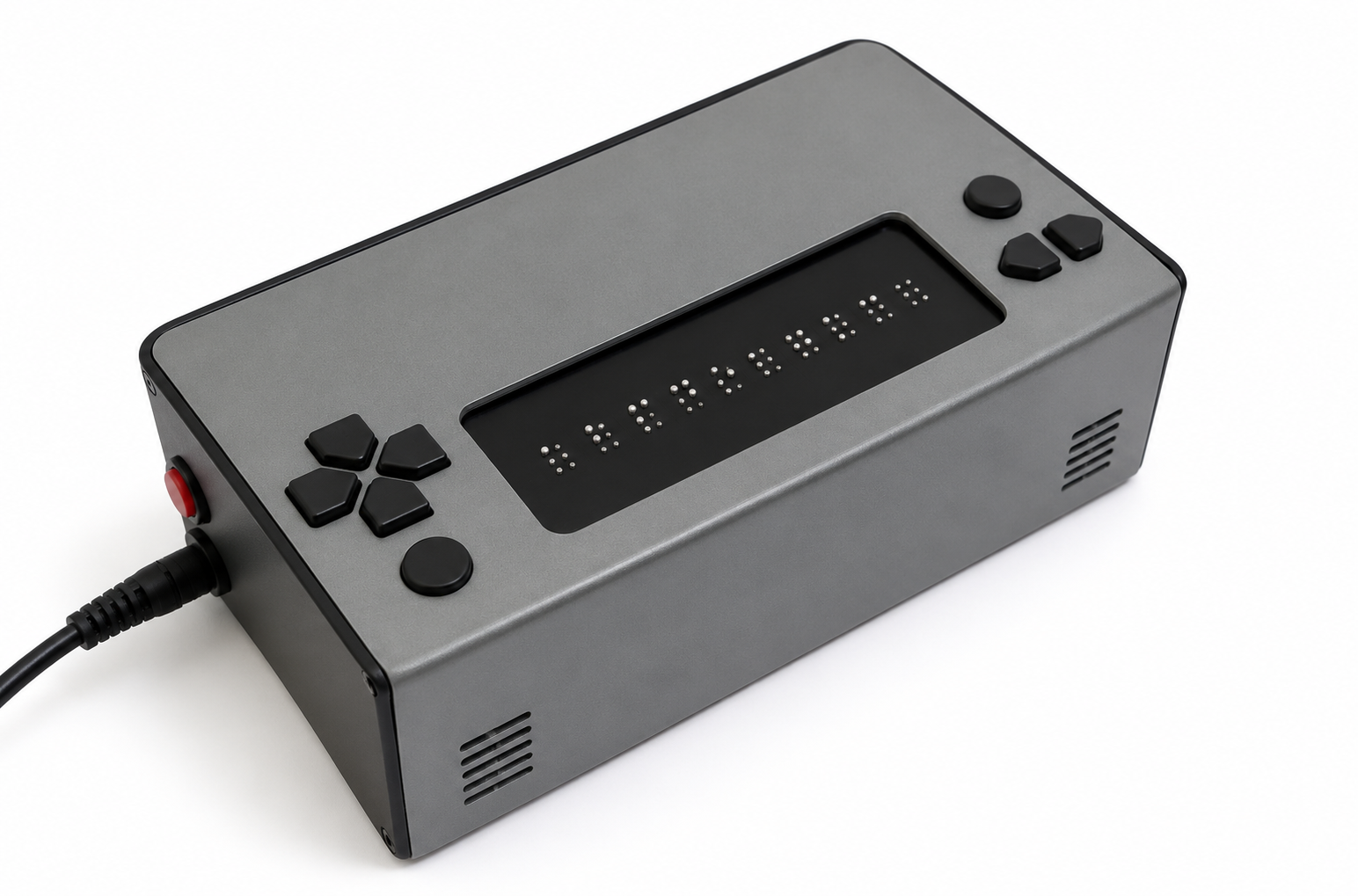
The device connects to a mobile app through Bluetooth, allowing users to access reading materials from their phone.
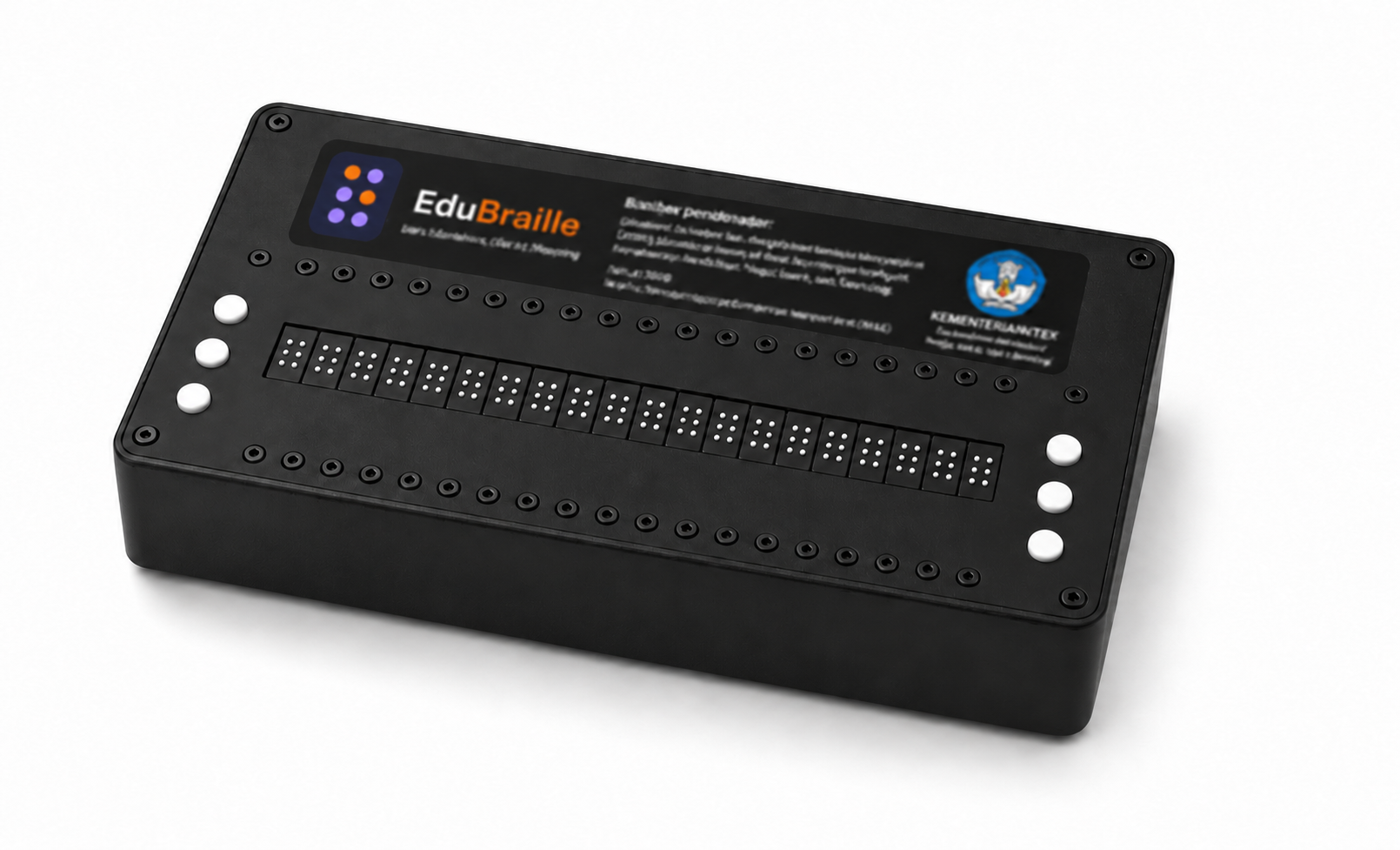
The 20-cell Braille device connects to the web platform through MQTT. A teacher can send reading materials to several learners’ devices at once, even from a different location.
Photos enhanced with AI for presentation.
SYSTEM DEVELOPMENT
V3 connects to a mobile app through Bluetooth.
V4 connects to the web platform through MQTT. Teachers can teach remotely and send reading materials to several learners’ devices at once.
COMMUNITY TRIALS
EduBraille is being trialled with the Kawan Netra community, including for Qur’an learning. Feedback from learners and teachers helps the team improve the device and platform.
In V4 (2026), the device connects to the web platform through MQTT and supports remote learning for multiple learners.
DEVELOPMENT ROADMAP
Improve the reliability of tactile output and device integration.
Evaluate multiple devices in shared learning sessions.
Improve remote learning sessions through the web and MQTT.
Prepare for use in communities and schools, with support and onboarding.
LEARNING WITH EDUBRAILLE
The teacher opens reading materials on the web and sends them to learners’ Braille devices. The text appears as raised dots that can be felt and read.
When the teacher changes the text, the device displays the Braille patterns for the next reading.
The teacher sends reading materials from one platform, and each learner reads them on their own device.
Reading materials are sent over the internet, so teachers and learners do not need to be in the same room.
THE PEOPLE BEHIND THE INNOVATION
Hardware and tactile system development.
Platform and software development.
Connecting product development with community needs.
JOIN THE JOURNEY